
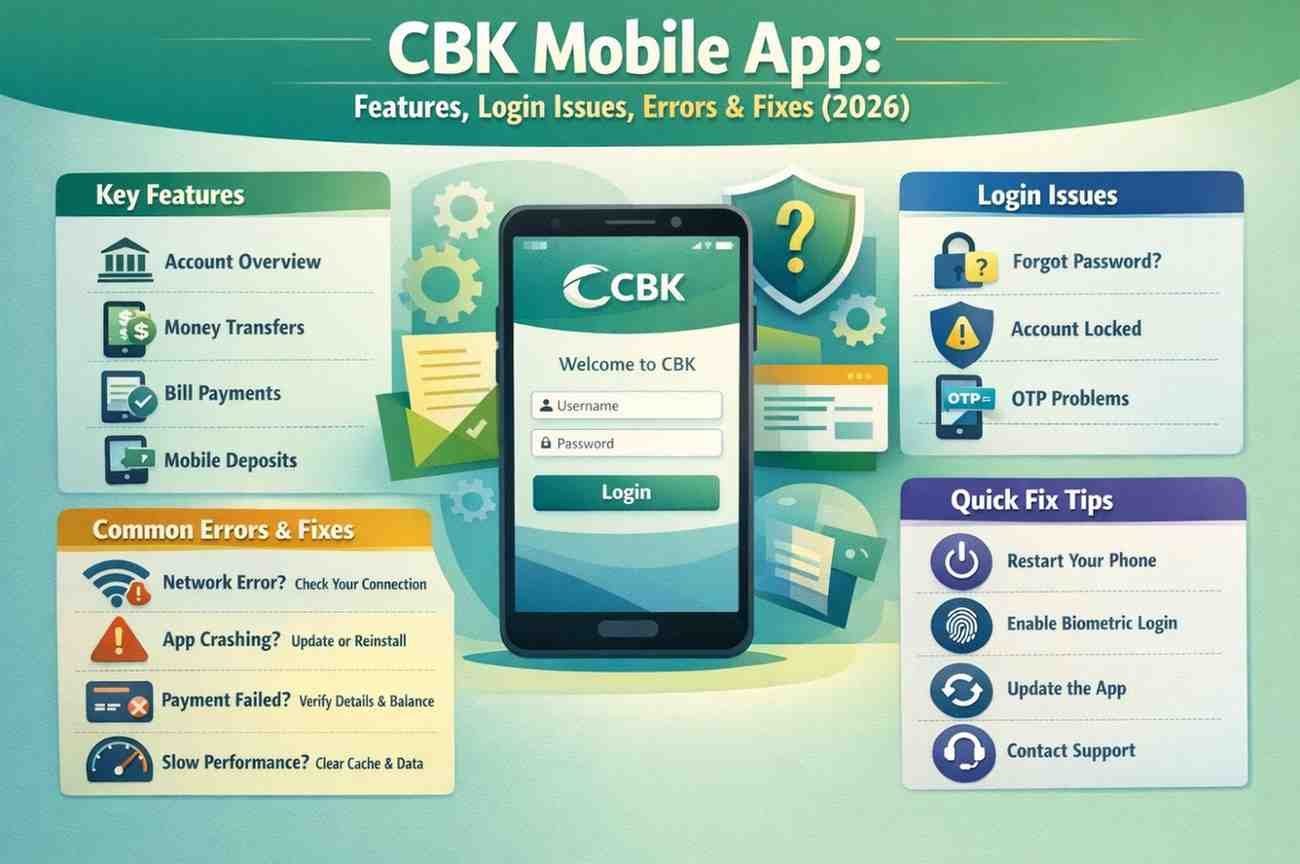
Managing your money should be simple, but technology often has other plans. If you use the CBK Mobile App, you know how helpful it is until a login error stops you from paying a bill or checking your balance. We understand the frustration of seeing a “loading” screen when you need to make an urgent transfer.
The Commercial Bank of Kuwait app is a central tool for thousands of residents in Kuwait. It handles everything from Western Union transfers to updating your Civil ID. However, even the best tools hit a snag. This guide covers the latest features for 2026 and provides clear solutions for the most common app failures.
Why the CBK Mobile App is Essential in 2026
The CBK Mobile App has evolved far beyond a simple balance checker. In 2026, it will serve as a full digital branch. We use it to manage our daily expenses and secure our financial future without visiting a physical location.
Key CBK App Features
- WAMD Instant Payments: Send and receive money locally using just a mobile number.
- Civil ID Updates: Integration with Kuwait Mobile ID (PACI) allows you to update your records from home.
- Card Management: You can freeze lost cards, change PINs, and even request a new “YOU” prepaid card for delivery.
- Digital Account Opening: New users can open accounts via a selfie video and automated authentication.
- Western Union Integration: Send international remittances directly from your account balance.
If you are looking for other mobile solutions in the region, you might also be interested in our guide on used mobiles in Kuwait to find a device that supports the latest banking updates.
Solving Common CBK App Login Issues
We have all been there. You enter your details, and the screen just spins. Most CBK app login issue reports stem from three main causes: outdated software, incorrect credentials, or server maintenance.
The “Incorrect Password” Loop
If the app rejects your password even though you are sure it is right, check your “Caps Lock.” For some digital platforms under the Commercial Bank umbrella, User IDs must be entered in CAPITAL LETTERS. If you have tried three times, stop. Waiting 30 minutes can prevent a total account lockout.
Biometric Failures (Face ID & Touch ID)
Sometimes the Commercial Bank of Kuwait app loses its link to your phone’s biometrics. If Face ID fails, don’t keep trying. Log in once with your manual password and go to the “Settings” menu to toggle the biometric login off and then back on. This usually resets the handshake. Login Problems Outside Kuwait.
A common complaint in 2026 is the inability to access the app while travelling. The bank often restricts access from certain international IP addresses for security. If you are abroad and the app won’t open, ensure your roaming data is active or use a secure, private Wi-Fi network.
Troubleshooting the CBK App Not Working
When the CBK app is not working becomes a recurring problem; the issue is often deeper than a wrong password. In 2026, the app requires modern operating systems to run its security protocols.
Technical Requirements for 2026
- iOS Users: You need iOS 15.0 or later.
- Android Users: Ensure your device is running at least Android 10 to support the latest encryption.
- Storage: The app needs at least 200MB of free space to process temporary transaction files.
Step-by-Step Fixes for App Crashes
If the app closes immediately after you open it, follow these steps:
- Clear Cache: Go to your phone settings, find the CBK app, and clear the storage cache.
- Check for Updates: Visit the App Store or Google Play. The bank frequently releases small “bug fix” patches that aren’t always automatic.
- Network Reset: Switch from Wi-Fi to 5G. Sometimes, local routers block the specific ports used by CBK mobile banking Kuwait services.
Advanced Digital Services in the CBK App
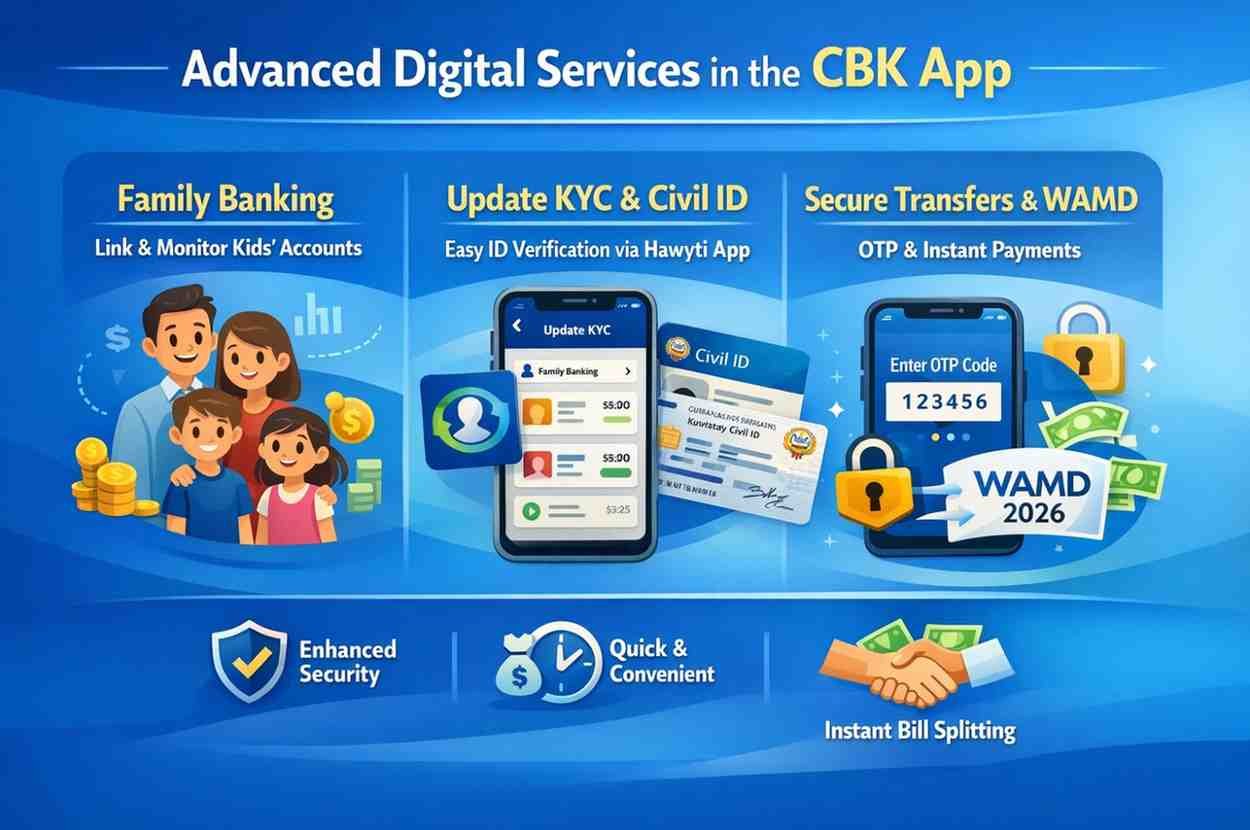
The bank recently added features that make life easier for families and investors. We find the “Family Banking” section particularly useful. It allows parents to link their children’s accounts and monitor spending in real-time.
Managing Your KYC and Civil ID
You no longer need to wait in line at a branch to update your information. By selecting “Update KYC” on the pre-login menu, you can use the PACI “Hawyti” app to verify your identity. This ensures your CBK Mobile App access stays active without interruption.
Secure Transfers and WAMD
Security is a priority. Every transfer requires an OTP (One-Time Password). If you aren’t receiving your OTP, ensure your mobile number is correctly registered at the branch. In 2026, the WAMD service will have become the standard for splitting bills or paying local merchants instantly.
Comparison: CBK vs. Competitor Apps
| Feature | CBK Mobile App | Competitor Apps (Kuwait) |
| Instant Local Pay | WAMD Integrated | Mostly K-Net or WAMD |
| ID Update | Full PACI Integration | Varies by Bank |
| International | Western Union built-in | Standard Wire Transfer |
| Account Opening | Selfie Video Verification | Physical or Digital |
The Commercial Bank of Kuwait focuses on “Self-Service.” They want us to have the power to fix our own issues without calling the 1888225 contact centre. While the interface is simpler than some “lifestyle” banking apps, its utility in handling government-linked ID updates is a major advantage.
Conclusion
The CBK Mobile App is a powerful tool, but it requires a bit of maintenance from our side. Keeping your phone’s OS updated and knowing how to reset your biometrics will solve 90% of the problems you face. Whether you are dealing with a CBK app login issue or simply trying to send money through WAMD, the digital tools provided by the Commercial Bank of Kuwait are designed to save you time.
By following the troubleshooting steps above, you can ensure your CBK mobile banking Kuwait experience remains smooth. Always remember to keep your credentials private and never share your OTP with anyone, even if they claim to be from the bank.
Frequently Asked Questions (FAQs)
What should I do if my CBK account is locked?
If you enter the wrong password too many times, your ID will be locked. You can use the “Unlock User ID” option on the login screen or call 1888225 for immediate assistance.
How do I update my mobile number in the CBK app?
For security reasons, you cannot change your primary registered mobile number entirely through the app. You must visit a branch or a Self-Service Kiosk to verify your identity before the new number can receive OTPs.
Why does the CBK app say “No Internet Connection” when I am online?
This usually happens if you are using a VPN or a restricted corporate Wi-Fi. Turn off your VPN and try using your 5G mobile data to refresh the connection.
Can I use the CBK app on multiple devices?
Yes, but you must register each device. When you log in on a new phone, the bank will send an OTP to your registered number to authorise the new device.
How do I fix the “Initialising Chat” error?
If the in-app support chat won’t load, it is likely a temporary server issue. You can reach the bank via WhatsApp at 1888225 or use the webchat on the official Commercial Bank of Kuwait website.